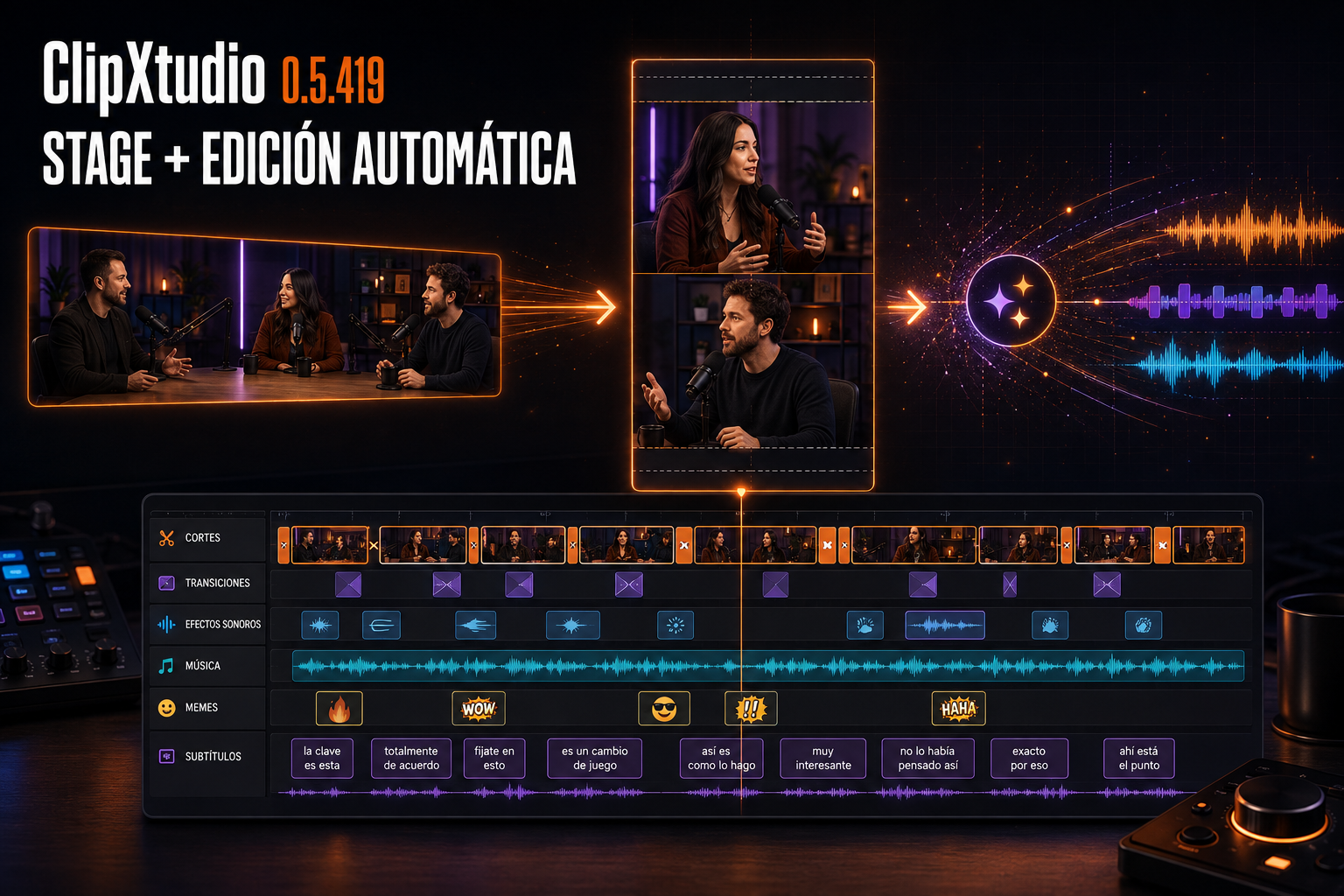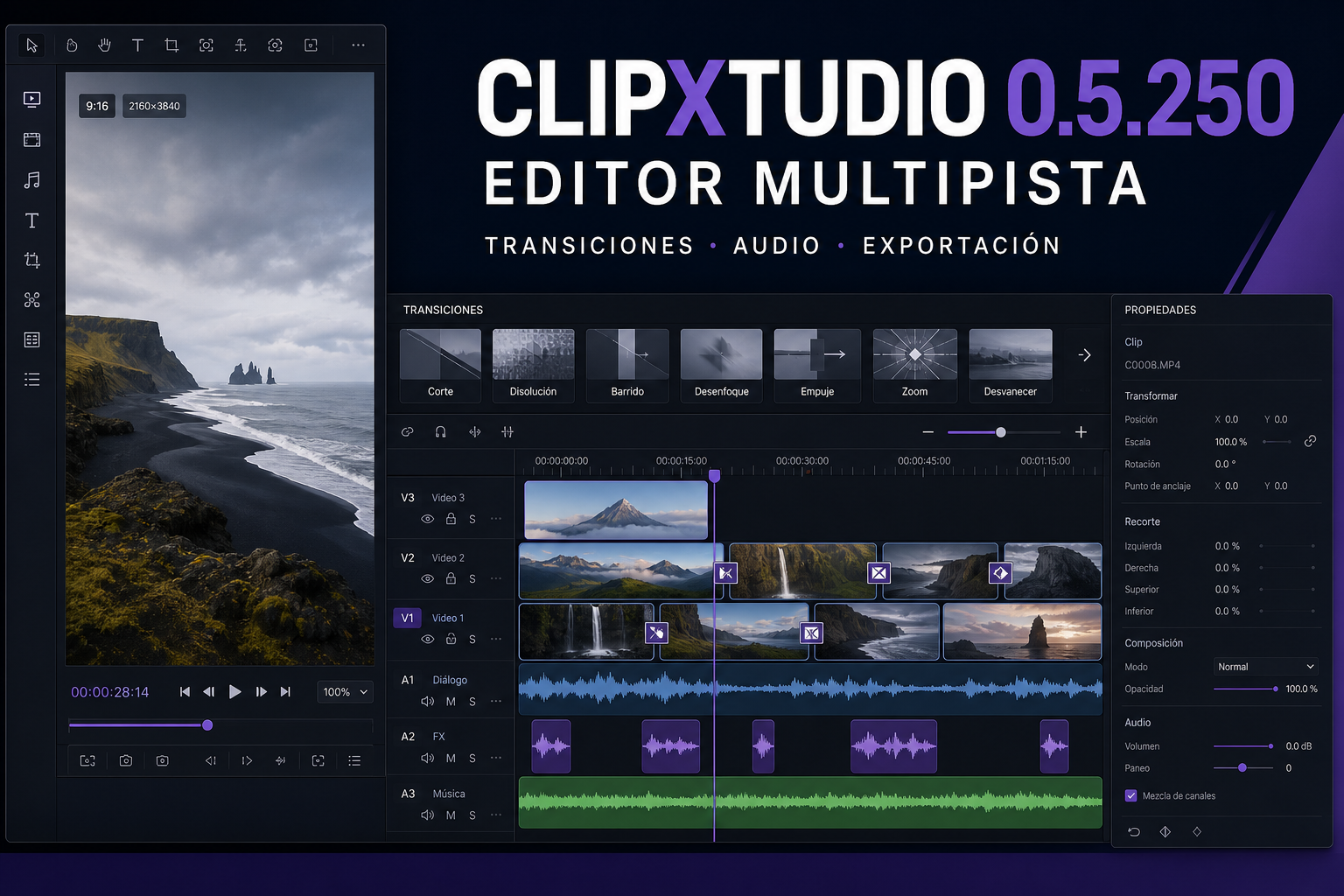
Between ClipXtudio 0.5.220 and 0.5.225, the complete workflow that turns a live moment into a publish-ready vertical clip became more reliable. These six releases focus on three areas: more precise editing, a clearer library, and capture with better resource control.
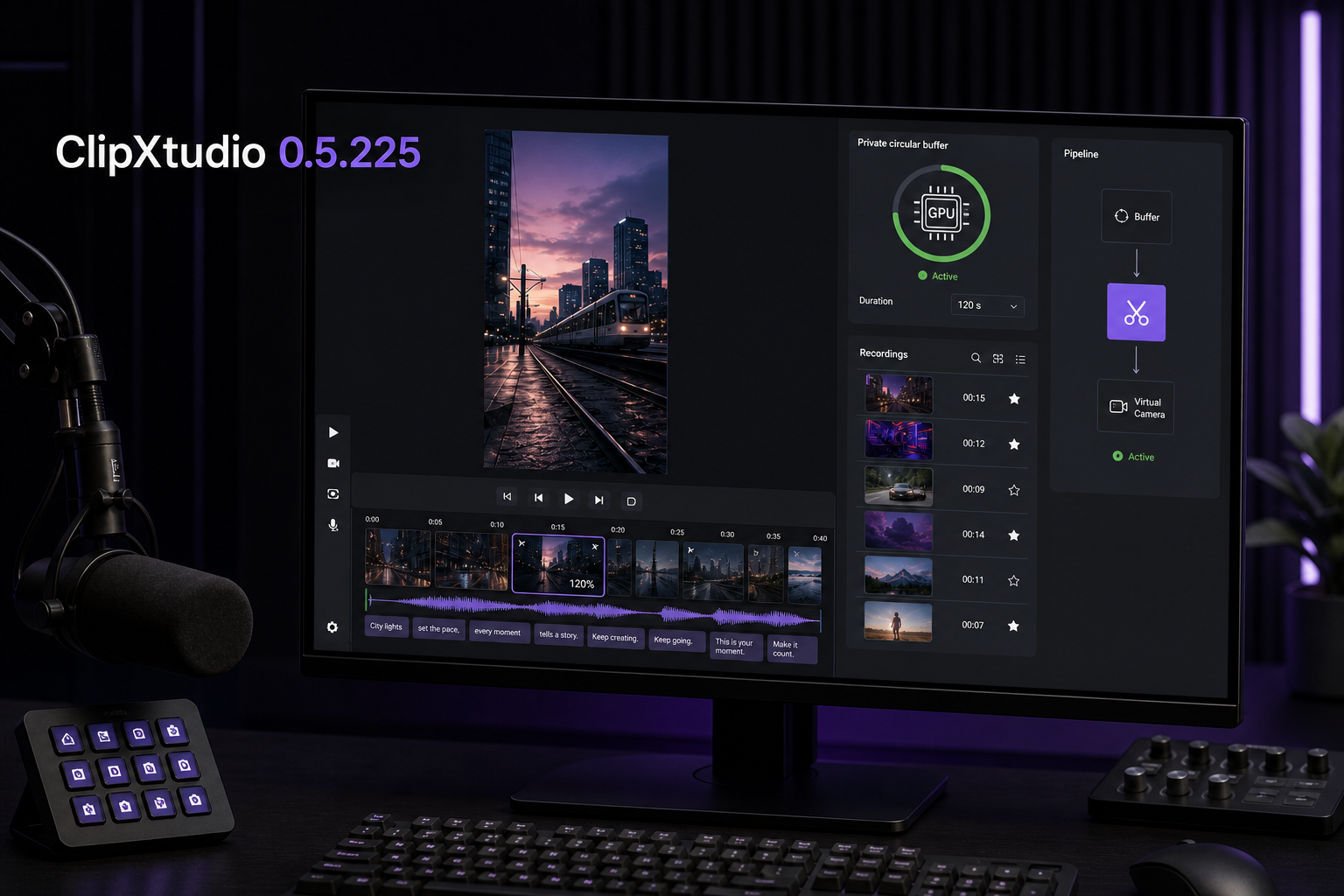
The editor now recalculates subtitles against the final audio after every manual or intelligent cut. Words align with the voice in the trimmed video instead of retaining timing from the original file. ClipXtudio can also suggest short zooms for higher-impact segments; every suggestion belongs only to its own cut, displays its percentage, and can be adjusted or removed before export. If the first caption does not fit, creators can request one additional alternative.
The clip library is more direct. Since all production is now 9:16, redundant vertical indicators and filters have been removed. Clips that have not received AI analysis display a clear “Pending” state instead of a local score that could be mistaken for the final evaluation. The Recordings tab also includes the quick editor for manual cuts, intelligent trimming, zoom adjustments, cover selection, subtitles, and export. “Open folder” reveals the correct file already selected in Windows Explorer.
The main change is ClipXtudio's new private buffer. The plugin no longer needs to start or modify the native OBS Replay Buffer to save clips. One 9:16 pipeline feeds both the private buffer and Virtual Camera, avoiding two concurrent video compositors. ClipXtudio automatically prioritizes NVENC, AMD AMF, or Intel Quick Sync and uses x264 only when no compatible hardware H.264 encoder is available.
Buffer duration is configurable from Settings between 30 and 420 seconds, with 120 seconds as the default. Selecting a shorter clip never silently reduces that window. Every creator can decide how much history to retain based on the longest clip they need and the capacity of their computer. The primary control also has a clearer name: “INICIAR BÚFER” in Spanish and “START BUFFER” in English.
The result is a more predictable workflow: the buffer retains the right moment, cuts keep audio and subtitles synchronized, zooms appear only where they add impact, and recordings can continue through editing without leaving ClipXtudio.