Between ClipXtudio 0.5.226 and 0.5.250, the editor was rebuilt around a simple idea: creators should be able to finish a vertical clip without leaving OBS. This release brings twenty-five versions of work into one multitrack editing experience with preview, contextual properties, and integrated export.
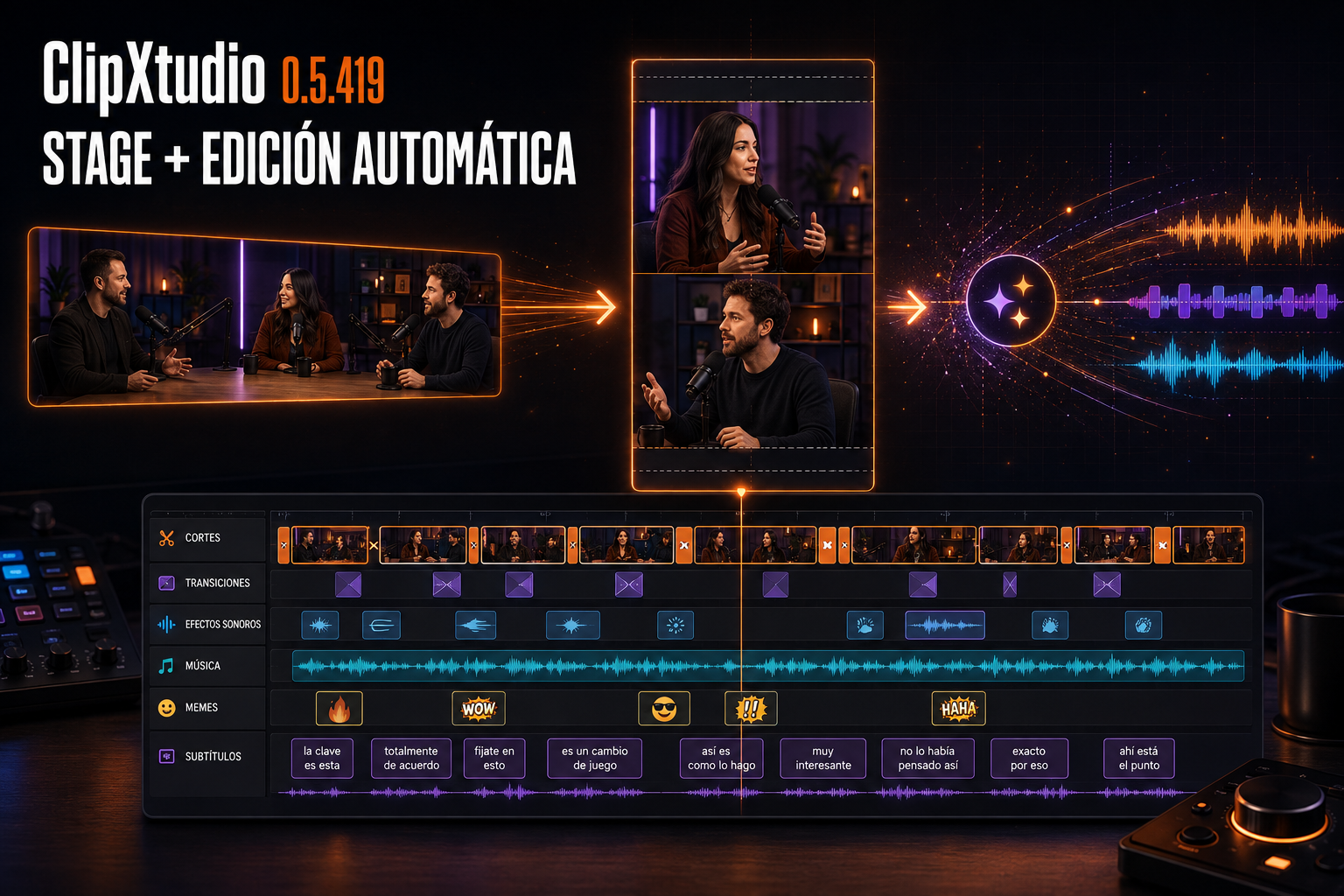
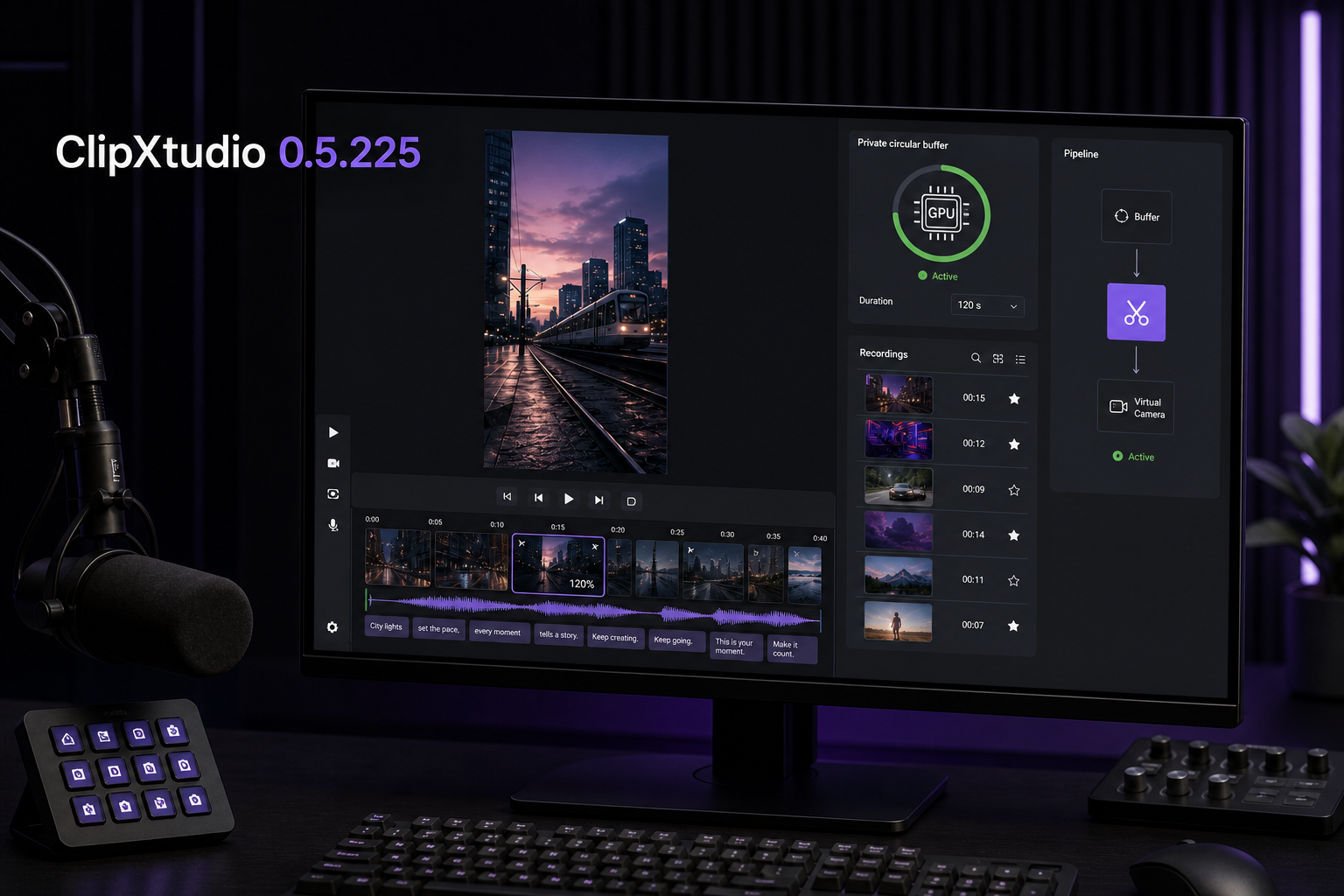
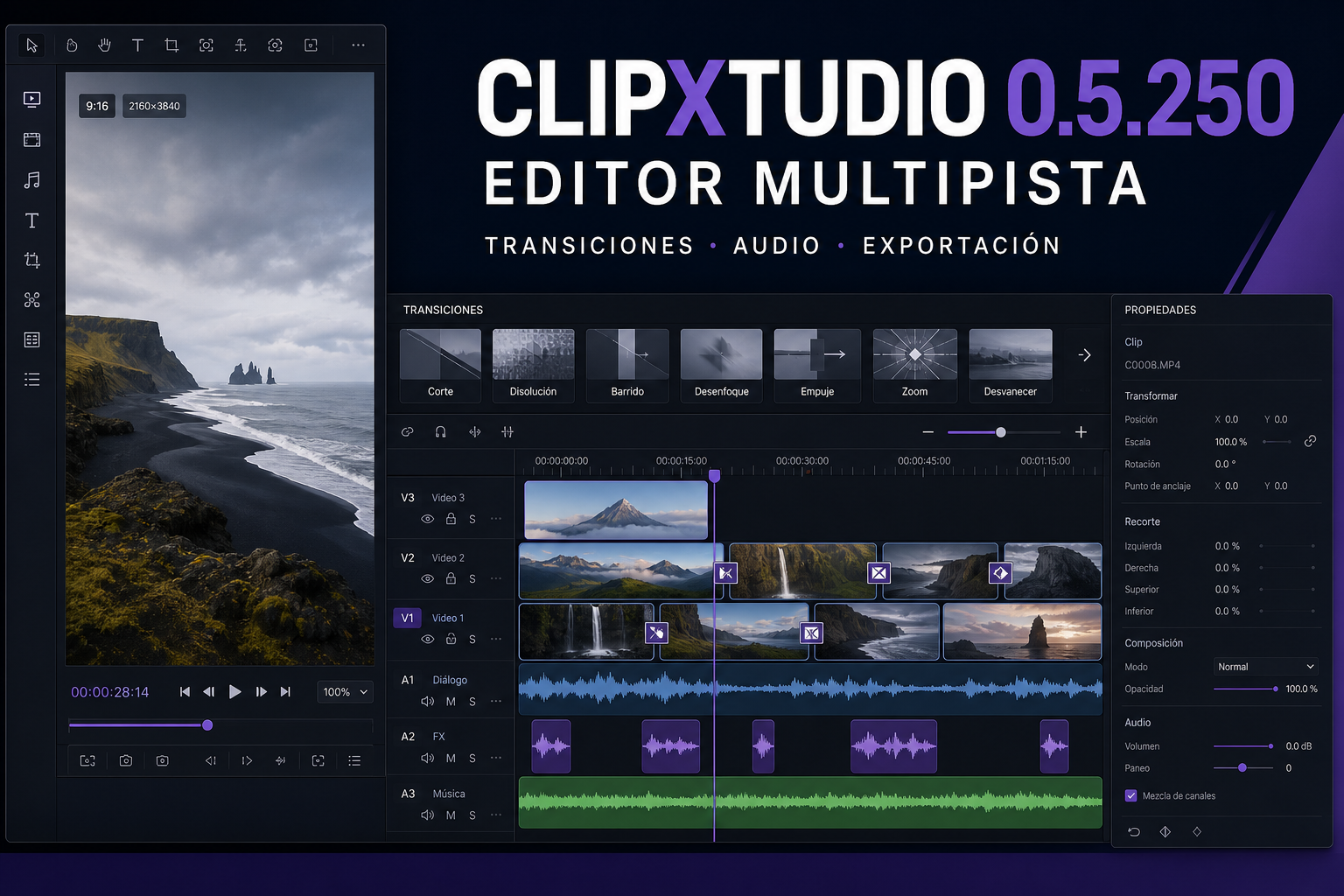
The new timeline organizes the main video, transitions, sound effects, and music into independent tracks. Cuts display real frames, a more precise RMS waveform, and visible boundaries so silence and edit points are easy to locate. Creators can select multiple cuts with Ctrl-click, apply gain or zoom only to selected segments, undo and redo changes, and enlarge the timeline for more precise work.
The library includes eight visual transitions: Slide Left, Slide Right, Blur, Fade, Zoom In, Zoom Out, Glitch, and Flash. Each transition is placed exactly between two cuts and can be previewed, adjusted, or removed before export. ClipXtudio normalizes frame rate, resolution, pixel format, and timebase internally so several chained transitions render without errors.
Audio is now a real part of the edit. Effects and songs synchronized from ClipXtudio Hub are kept in a local cache, while My Music lets creators import their own tracks. Every element includes preview, placement, and independent percentage-based volume. Mixing uses 32-bit samples, preserves 48 kHz audio, and limits peaks to prevent distortion without sacrificing source quality.
The cover can be selected from any frame by clicking its timeline or uploaded as an external image. Both preview and export preserve the 9:16 canvas without stretching the artwork. Subtitles remain editable, and the final post-cut audio is used as the timing reference for better synchronization.
In Clips, social captions are included with each processed video and do not consume additional credits. In Recordings, the first generation consumes one credit, the second proposal in the same session is included, and a third alternative requires a new credit. Failed reservations are released so an error never reduces the plan balance.
The editor opens with all three columns visible and adapts to compact displays without overlapping panels. It includes cover preview, fullscreen mode, playback controls, a time ruler, and one unified Export Clip modal for quality, FPS, and destination folder. Version 0.5.250 closes this cycle by fixing chained-transition export and delivering a more reliable path from the first cut to the finished MP4.