Between ClipXtudio 0.5.157 and 0.5.187, thirty releases were consolidated around one goal: make capturing a moment, converting it to vertical, and deciding whether it is worth publishing a reliable workflow inside OBS. Instead of presenting every adjustment separately, this update brings together the three improvements that most change daily use.
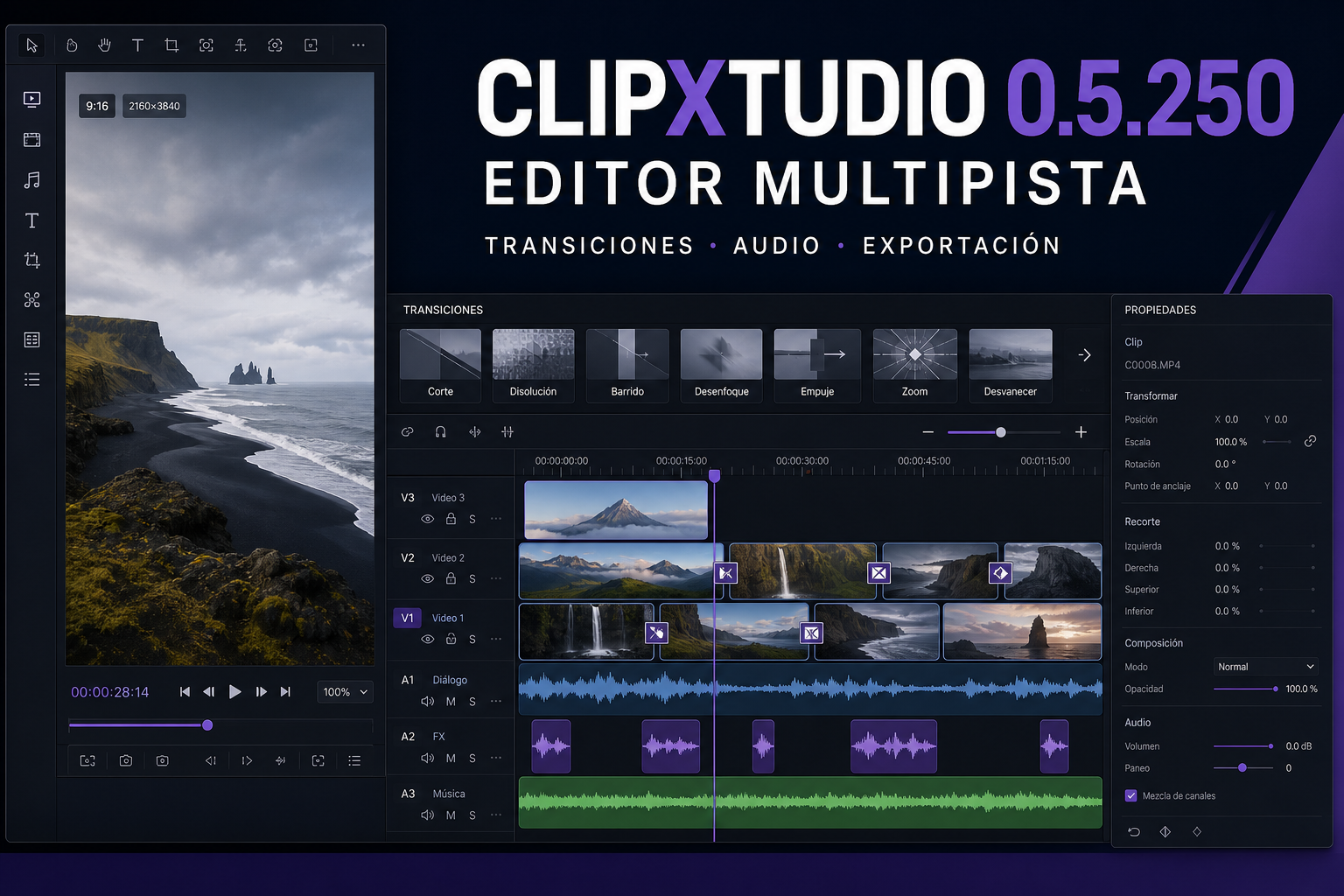
The first is truly independent vertical production. ClipXtudio now renders the exact Preview composition—sources, crop, zoom, pan, and 9:16 aspect ratio—without depending on the main OBS canvas. Scenes can be cloned for Vertical, transitions follow the real scene change, and the same composition powers clips, continuous recording, and Virtual Camera. Performance profiles and automatic encoder selection adapt resolution and FPS to each computer. The result stays complete and uncropped at 720p, 1080p, 2K, 4K, or 8K, while the controls-free Preview fits the available width and height without scrollbars.
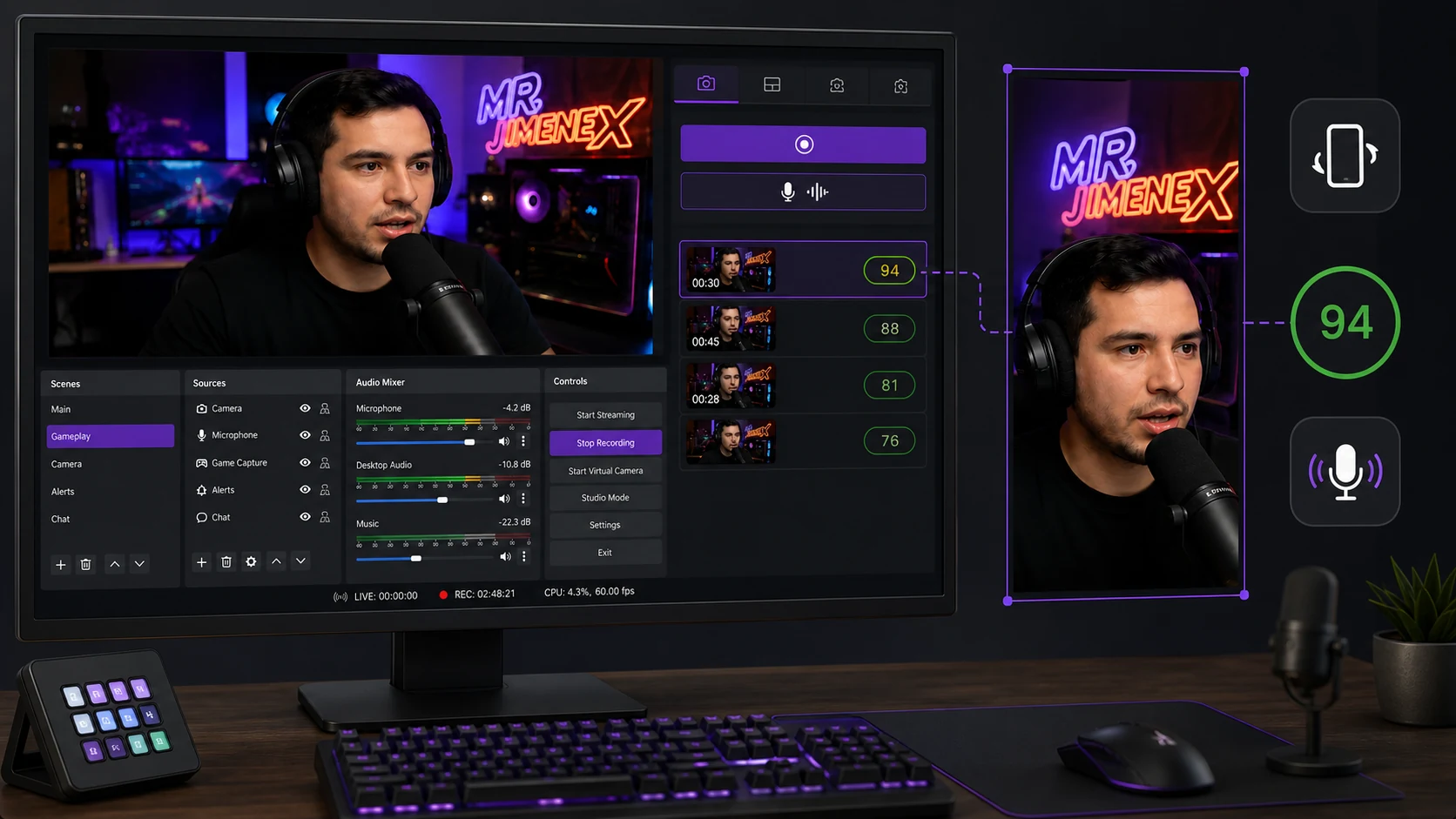
The second improvement is clip scoring with social context. Hybrid analysis combines transcription, audio signals, pacing, emotion, and six to ten representative frames. That evidence is used to evaluate the hook, clarity, retention potential, and fit for Shorts, Reels, or TikTok. Titles, captions, and hashtags are part of the evaluation: a strong reaction with a weak title no longer receives an inflated score. Requests can begin on local AI nodes and use the configured cloud provider only when additional multimodal capacity is required.
The third change makes the difference between Free and Pro clearer without making the free version unusable. Free includes local Voice Trigger with one phrase and one microphone, manual clips, basic vertical export, and local scoring without cloud usage. Pro unlocks multiple phrases and inputs, audio, chat, scene, and keyword triggers, plus AI scoring, captions, titles, and automatic subtitles. Plans can define monthly analysis allowances to keep usage predictable.
The experience also gained more direct controls and diagnostics. Native shortcuts can capture clips and control Replay Buffer, Virtual Camera, and vertical recording; technical errors become localized instructions; and ClipXtudio detects Replay Buffer and Virtual Camera conflicts before starting an incompatible output. These changes reduce manual steps and make it easier to understand what needs attention.
Version 0.5.187 closes this cycle with a vertical Preview that always preserves the complete frame. What began in 0.5.157 as a separate buffer is now an integrated vertical production, analysis, and capture system that moves from the live moment to a publish-ready clip.