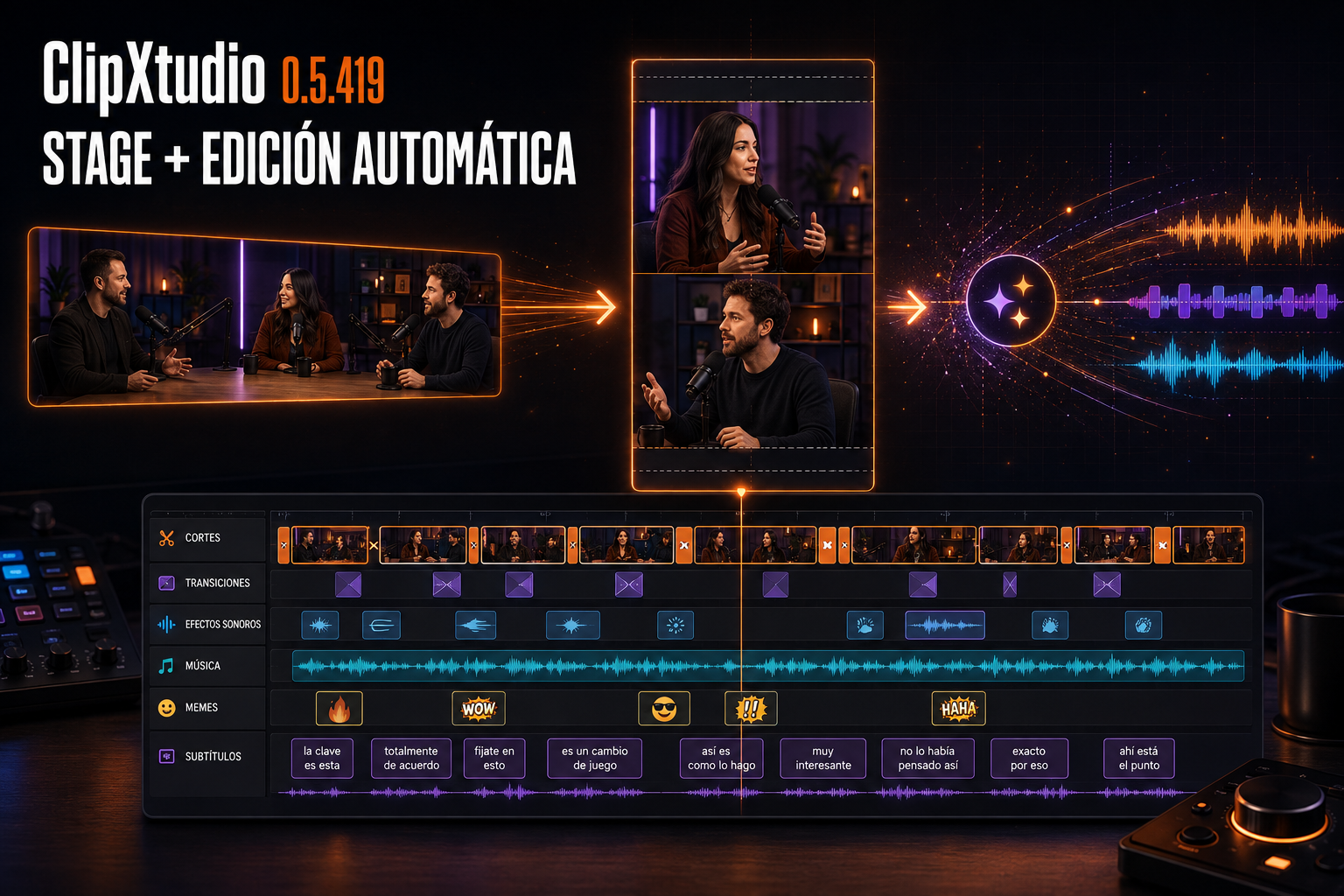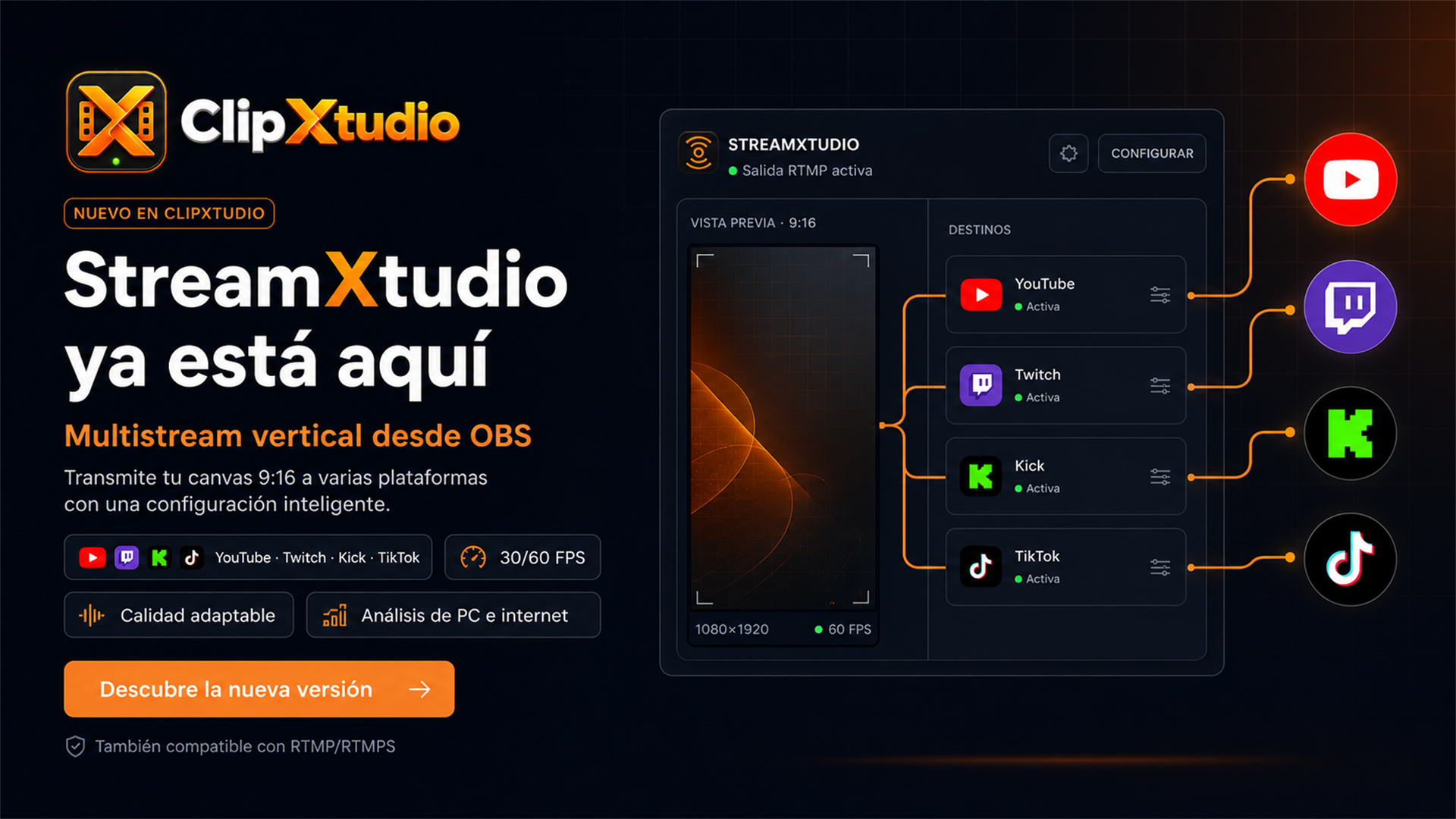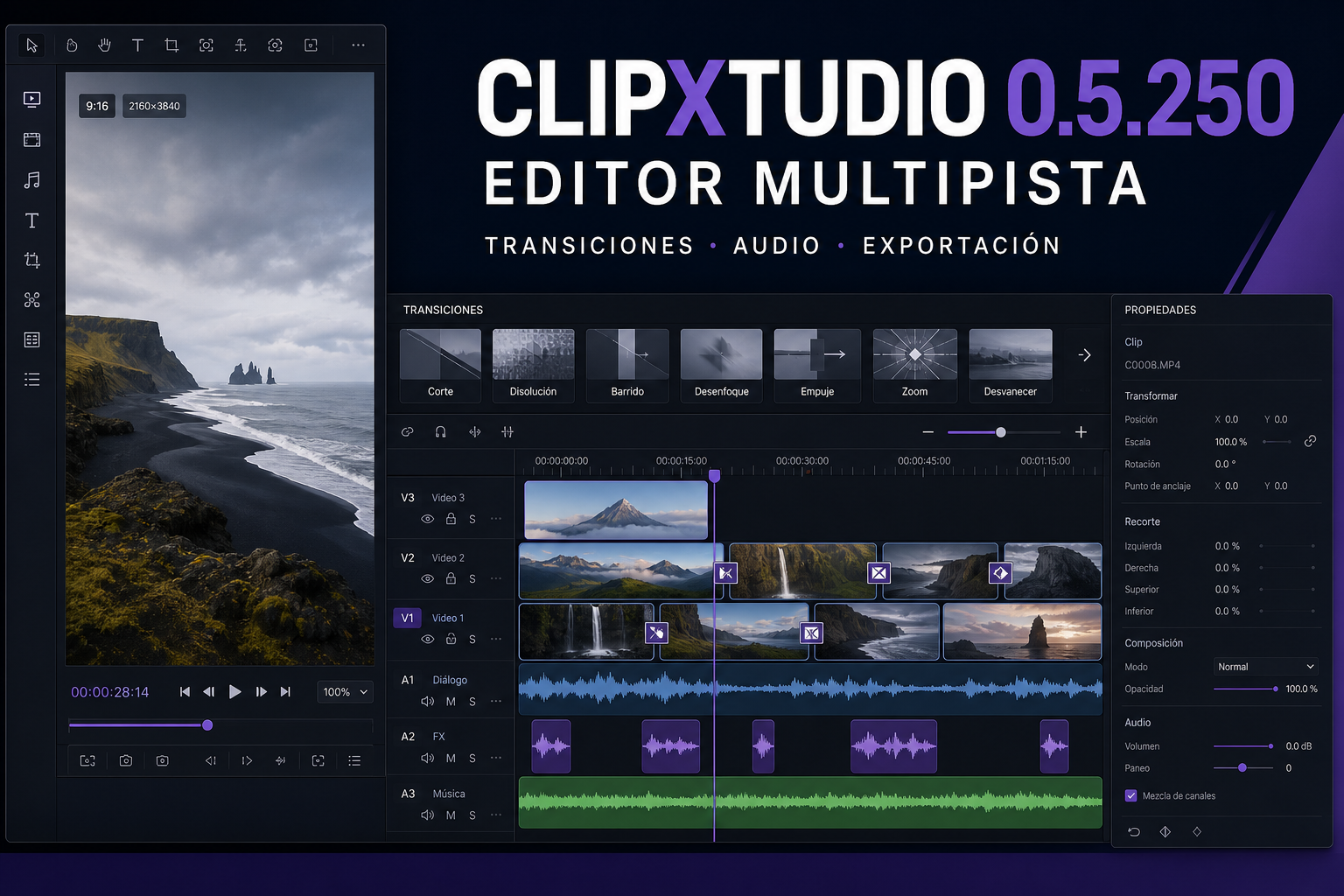
ClipXtudio 0.5.201 brings together the improvements delivered since version 0.5.188 around one priority: every capture should produce exactly the requested file, and creators should be able to find it, review it, and continue working without ambiguous states.
The automatic clip workflow now respects the selected format from end to end. When the output is Vertical, the horizontal replay is used only as a temporary source and never appears in the library. Automatic clips no longer overlap, the requested window is synchronized with the real Replay Buffer duration, and an export is stopped if FFmpeg stops making progress. Progress indicators and saving notices now disappear correctly after completion, failure, or cancellation. Voice Trigger rejects low-confidence acoustic matches, while Audio Spike requires a sustained strong level and a real pause before it can fire again, reducing accidental captures.
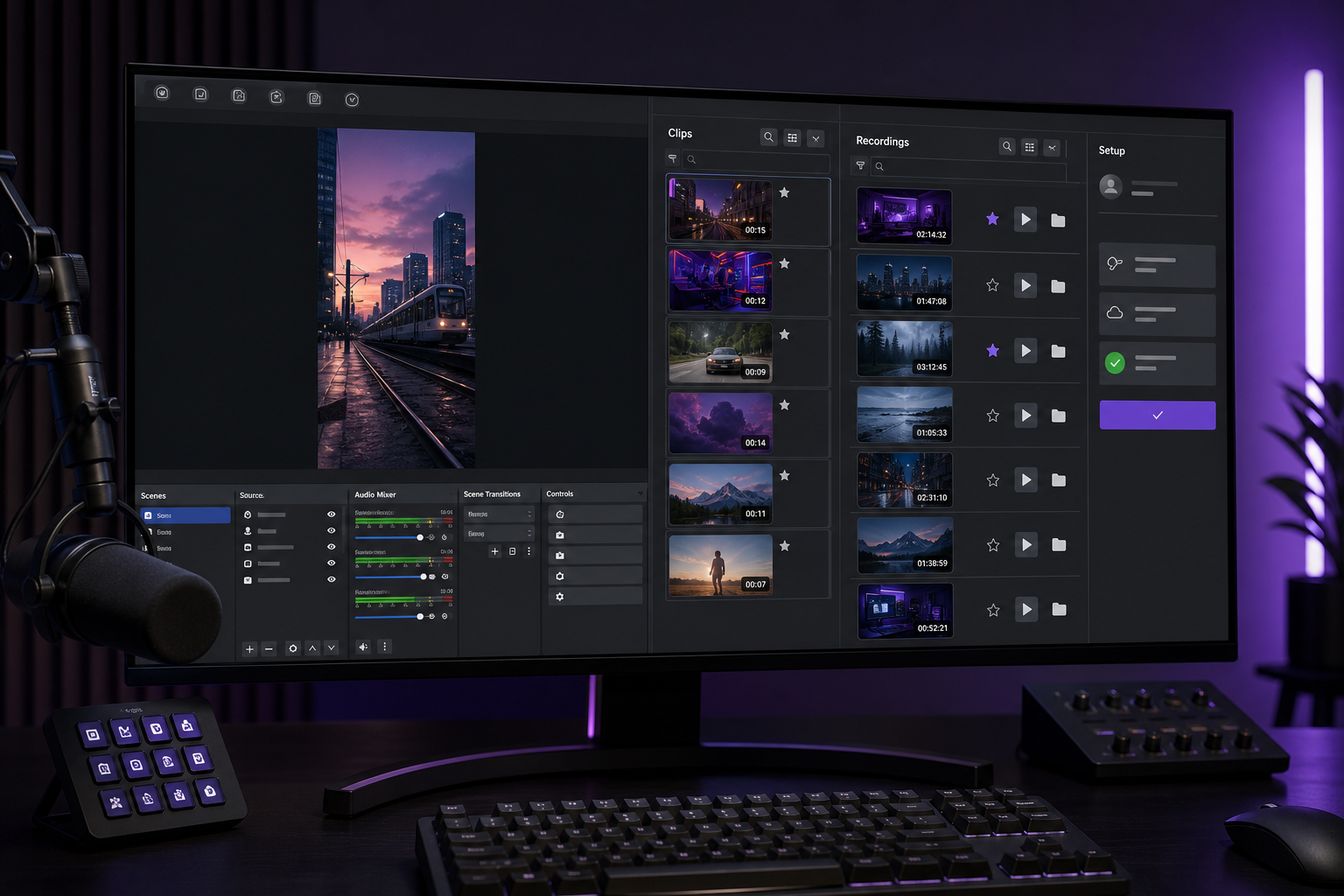
The new Recordings tab turns continuous plugin recordings into a persistent library. Every item displays a real thumbnail, file duration, size, orientation, and actions to play, favorite, locate, or delete it. Thumbnails and durations are generated in the background and cached so future visits load quickly. When a recording finishes, the confirmation can open the video or reveal it already selected in Windows Explorer.
Initial setup and daily navigation are clearer as well. The final setup step can activate an existing license and authenticate the account in a browser so the current plan is automatically applied to that computer. Primary navigation now follows Vertical, Clips, Recordings, Capture, and Triggers, while Settings remains available from the footer. Buttons, tabs, selectors, lists, and other interactive controls display a pointing hand, including controls created dynamically inside dialogs, while disabled controls keep the normal arrow.
AI usage now matches real customer activity: each analyzed clip is counted once even when its content is retried or regenerated, and internal session summaries do not consume credits reserved for clip analysis. Caption validation errors identify the exact rejected field instead of returning a generic failure.
The result is a more predictable path from a detected moment to a finished file: fewer false activations, no unexpected horizontal output, recordings that are easy to locate, and controls that clearly communicate when they can be clicked.